Paid Media Budget Planner
Model spend, conversion rates, acquisition cost, and break-even scenarios across Google, Meta, and LinkedIn.
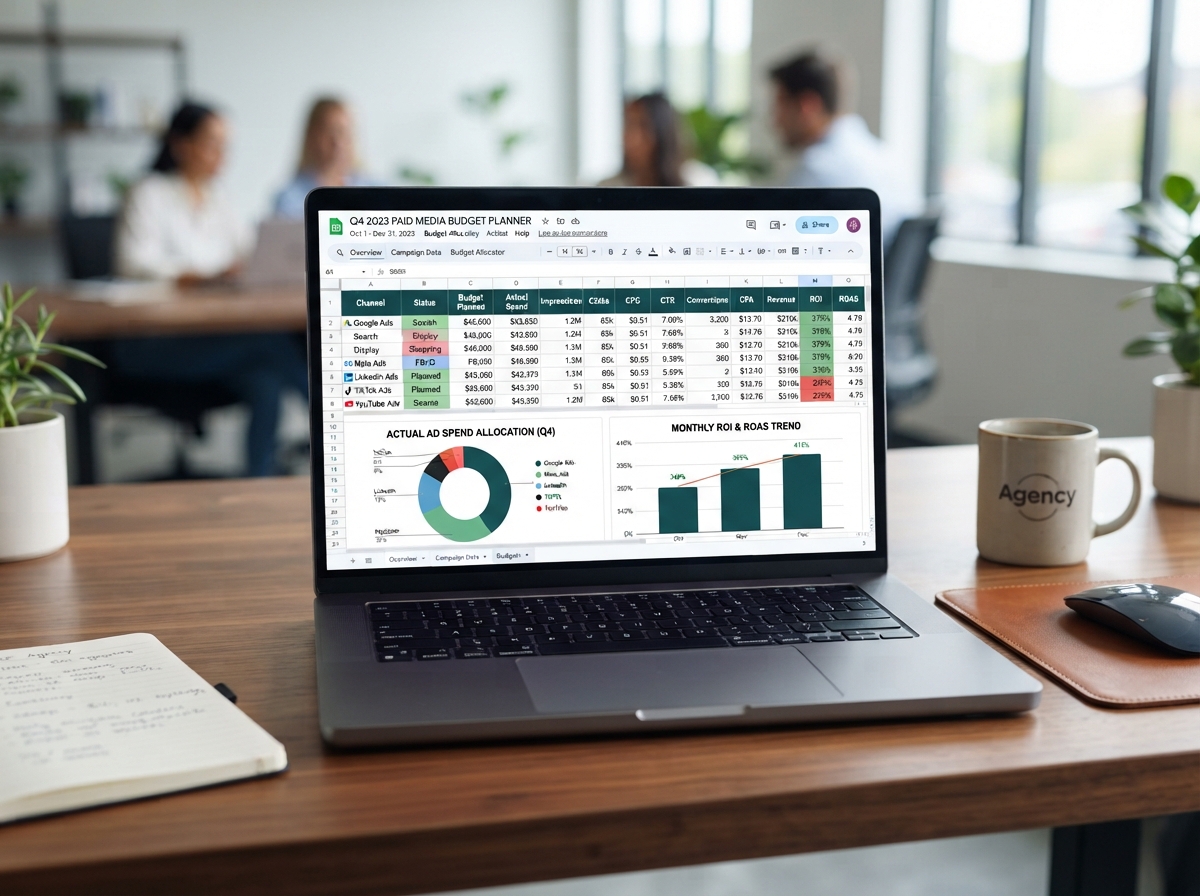
Setting a paid media budget without a model is like flying blind. This planner walks you through the math of paid media — from cost-per-click to cost-per-acquisition to ROAS — so you can set realistic budgets, forecast results, and know your break-even point before you spend a dollar.
What's Inside
- Step-by-step budget modeling framework for Google, Meta, and LinkedIn ads
- Cost-per-acquisition and ROAS calculation templates
- Break-even analysis worksheet for new campaigns
- Channel comparison matrix to allocate spend efficiently
- Scaling scenarios — what happens at 2x, 3x, and 5x budget
- Benchmark CPC and conversion rate data by industry
The Paid Media Math
Every paid media campaign comes down to a simple chain: Impressions → Clicks → Landing Page Visitors → Leads → Customers → Revenue. At each step, there's a conversion rate that determines how much of the previous step makes it through. Your job is to know each of these numbers before you launch.
The core formula: CPA = CPC ÷ (Landing Page CR × Lead-to-Customer CR). If your CPC is $4, your landing page converts at 15%, and 20% of leads become customers, your CPA is $133.33. If your customer value is above that, you're profitable. If not, you need to improve one of those three numbers.
Setting Your Budget: Top-Down vs. Bottom-Up
Top-Down: Start with a revenue target, work backward. If you need 50 new customers/month and your CPA is $133, you need $6,650 in ad spend. Add 20% for testing and optimization, and your budget is ~$8,000/month.
Bottom-Up: Start with what you can afford to spend, calculate what that gets you. If you have $5,000/month and your CPA is $133, you'll get ~37 customers. Is that enough to hit your growth goal?
Both approaches are valid. The key is doing the math before you spend — not after.
Channel Allocation: Where to Spend First
Google Ads (Search): Highest intent — users are actively searching. Best for capturing demand. Higher CPC but typically higher conversion rates. Start here if you have a clear product/service and people are searching for it.
Meta Ads (Facebook/Instagram): Best for awareness, retargeting, and reaching audiences who don't know they need you yet. Lower CPC, broader reach, strong for visual products and B2C.
LinkedIn Ads: Premium B2B targeting by job title, company, industry. Higher CPC but precise audience control. Best for high-value B2B services with long sales cycles.
A typical starting allocation: 60% Google (capture intent), 30% Meta (build awareness + retarget), 10% LinkedIn (if B2B). Adjust based on results after 30 days.
Scaling: When and How
The biggest mistake in paid media is scaling too fast. When you find a winning campaign, scale spend by 20% per week — not 100% overnight. Algorithms need time to adjust, and CPA often rises temporarily before stabilizing at the new spend level.
Monitor three metrics when scaling: CPA (should stay within 15% of baseline), Impression Share (are you hitting saturation?), and Frequency (are you showing the same ad too many times?). If CPA spikes above your threshold, pause scaling and optimize creative or targeting before pushing further.
Key Takeaways
- Know your CPA before you spend — CPC ÷ (LP CR × Lead-to-Customer CR)
- Start with Google for intent, Meta for awareness, LinkedIn for B2B targeting
- Scale winning campaigns by 20% per week, not overnight
- Always leave 20% of budget for testing new creative and audiences
- If CPA exceeds customer value, fix the funnel — don't increase spend
Who This Is For
Business owners and marketing managers who are planning to invest in paid media and need a data-driven framework to set budgets, forecast outcomes, and present plans to stakeholders.
Download the TOOL
Fill out the form to get instant access.
Ready to Put This Into Action?
Get a custom growth audit tailored to your business. Our senior strategists will identify your highest-impact opportunities.